Every Sparebar feature, and what you can tune
Sparebar makes UGC style photos, ads and videos with a character you own. This page lists everything the app does, in the order you would use it, so you can see how much of a shot is in your hands.
2 free credits. No card.
Characters
A character is the person in your content. Make one from your own photos, or describe the look and let Sparebar generate a portrait, or three to choose from.
- Up to three reference photos per character. Large phone photos are shrunk in your browser before upload.
- Photo advice before you save: blur, sunglasses or a second person in the frame are flagged with a tip.
- A look profile: gender, age range, skin tone, hair length, colour and style, features, wardrobe.
- Free text for anything else, plus niche and tone of voice.
- Edit later: change the look, swap photos, add angles and outfits.
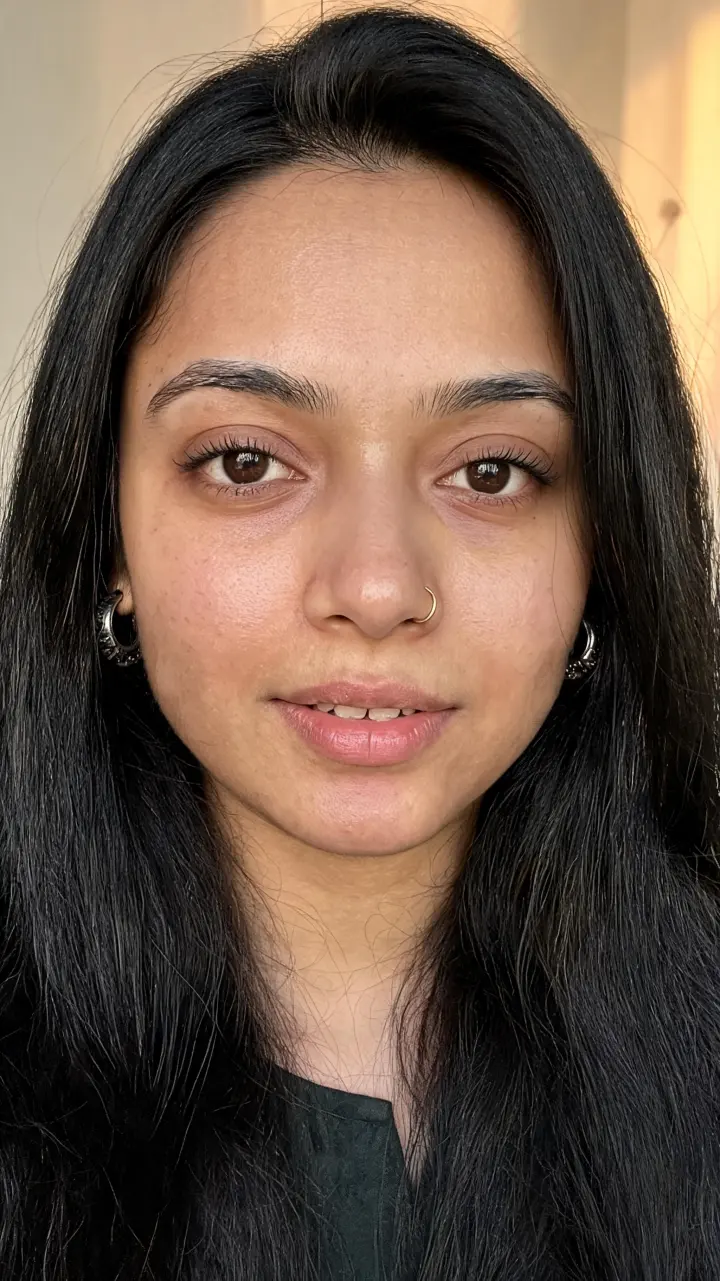
Tara 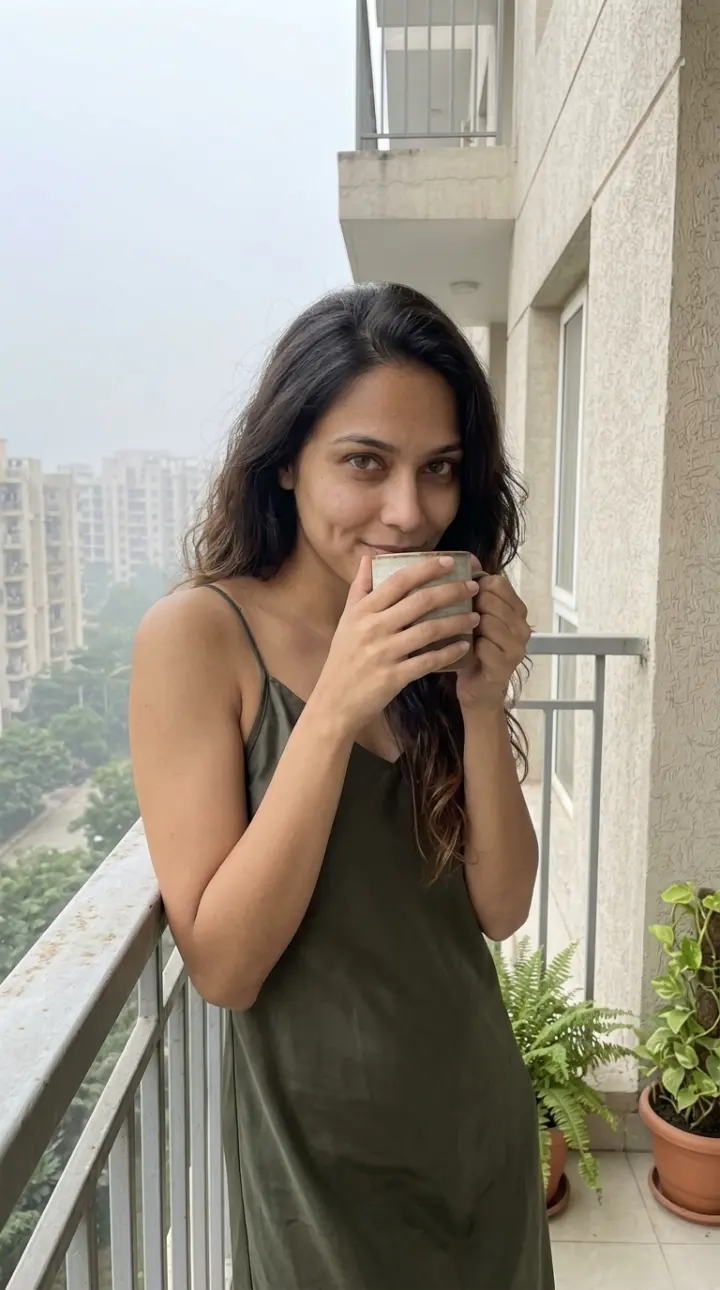
Riya 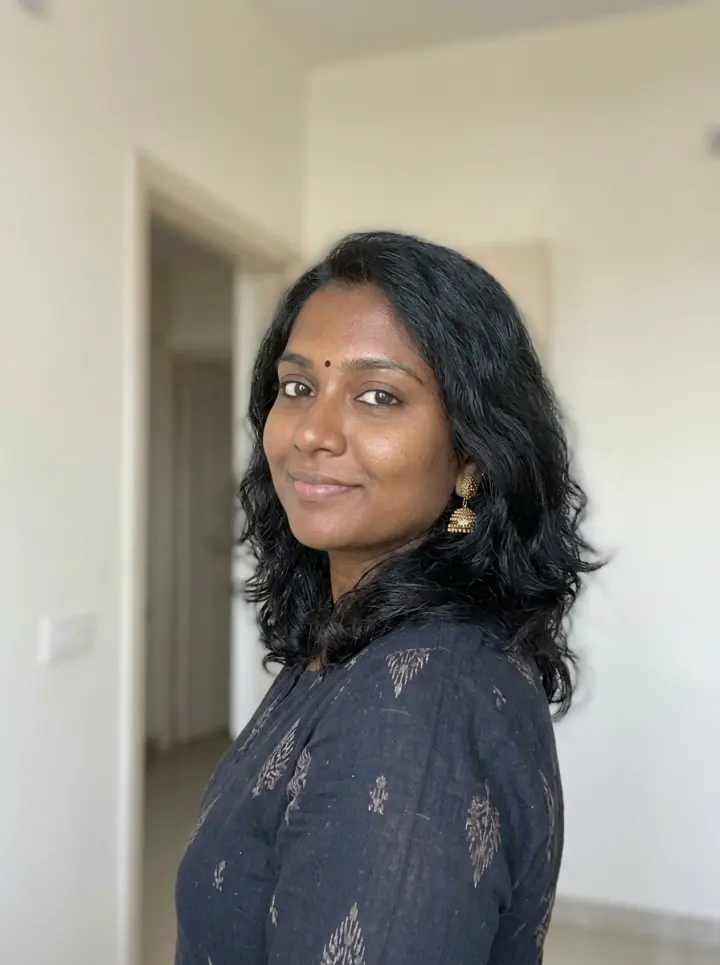
Meera 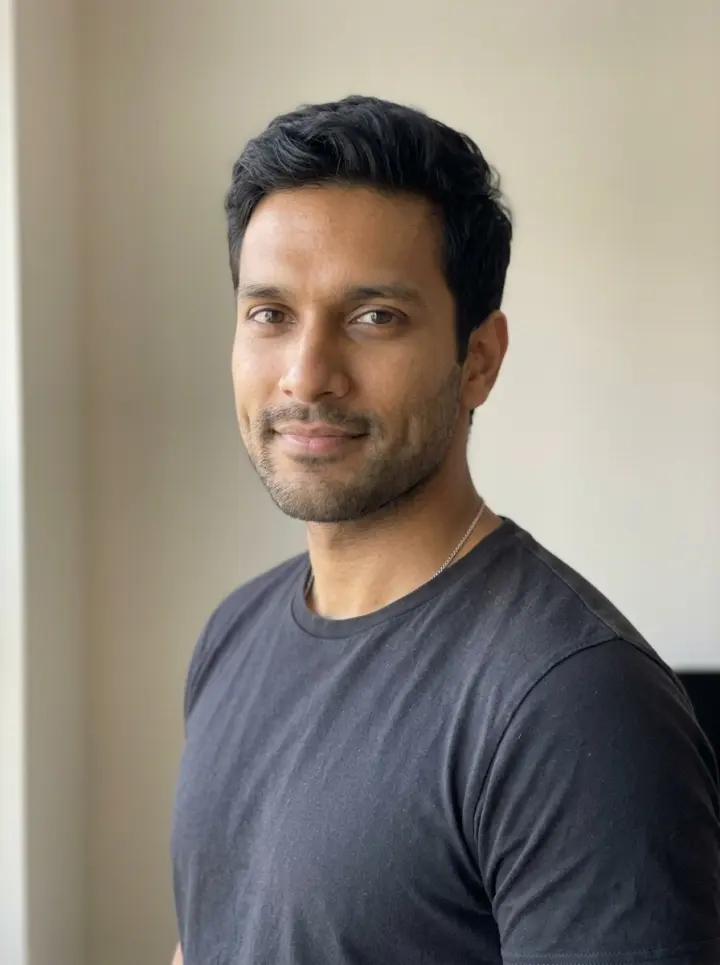
Kabir
Angles and outfits
A single front photo is enough to start. For stronger results add angles: one button creates a three quarter shot and a full body shot of the same person. Close ups use the front shot and outfit shots use the full body one.
Outfits are saved looks with a name, a description and an optional photo, so a jacket, a saree or a work outfit can come back in later shots.
Products
Save a product once and use it in images, ads and videos.
- A product photo and a photo of its label.
- A one line pitch such as what it does for the customer.
- Pick it in Create, Ads or Studio. It is sent to the model with the scene.
Create: guided post types
Pick a post type, fill in a few blanks and run it. The cost shows before you start.
- Photos: Get ready with me, Product review, Unboxing, Skincare routine, Outfit of the day, Coffee shop lifestyle.
- Videos: Talking head tip, Product pitch, Day in my life clip.
- Shapes: 9:16 for stories and reels, 4:5 and 1:1 for feeds, 16:9 for wide video.
- Talking videos let you type the line she says out loud.
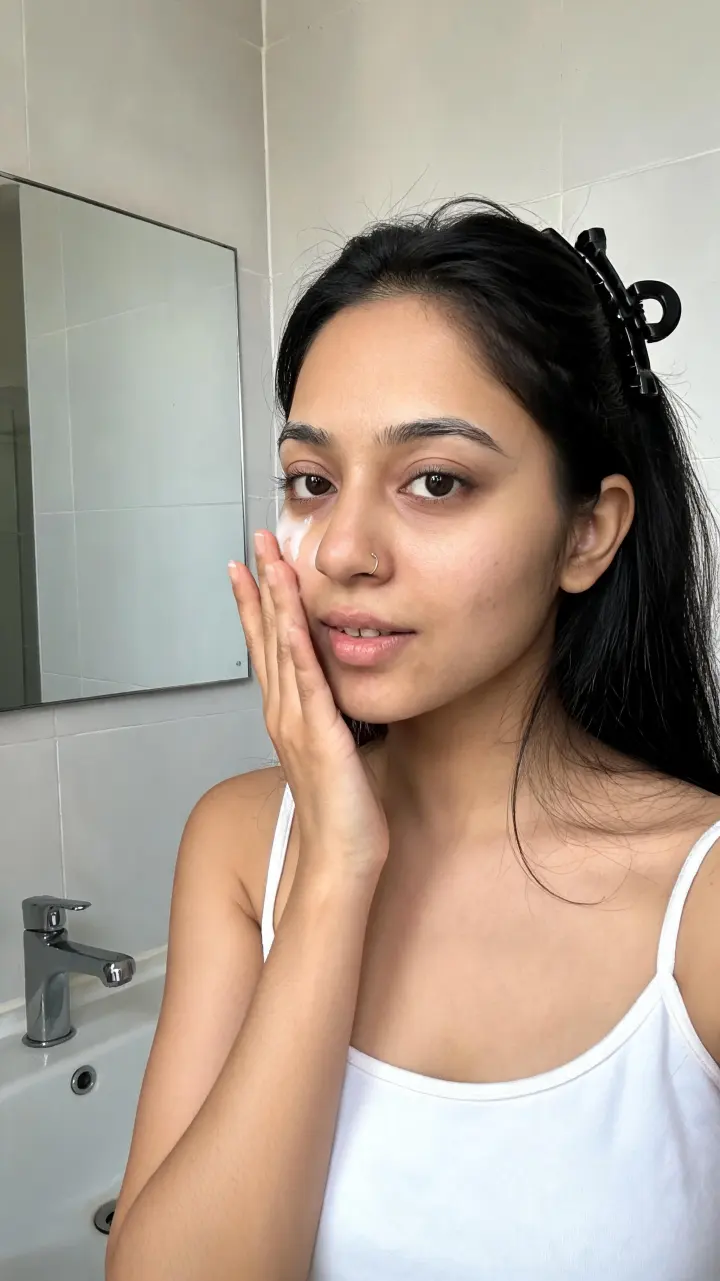
Skincare routine 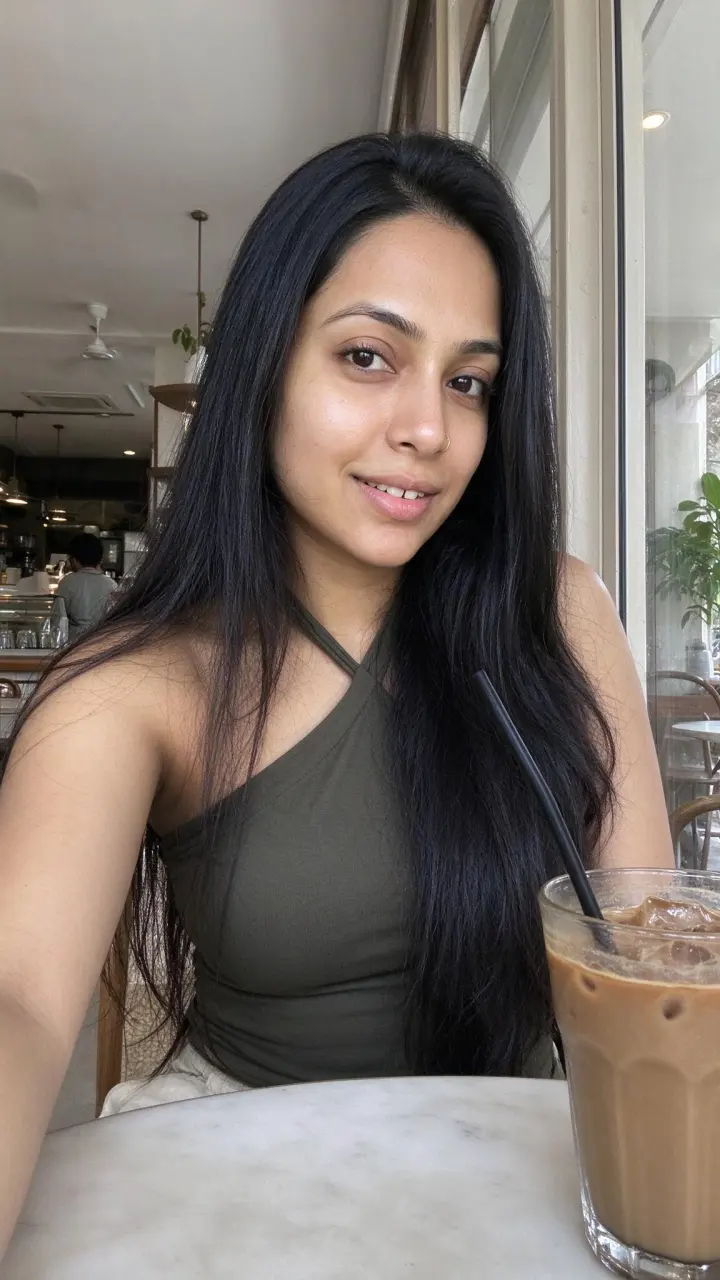
Coffee shop lifestyle 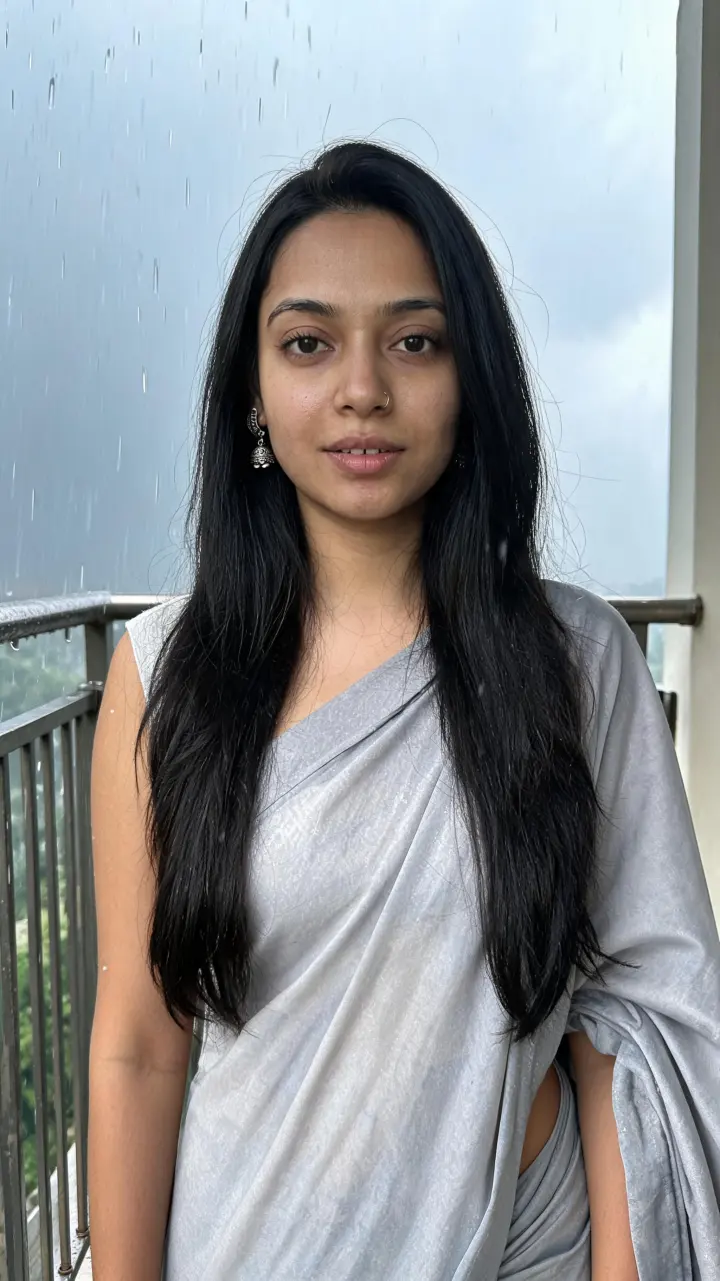
Outfit of the day
Ads
Four one click product ad styles: Hold it up, Using it, Showing it off, At home. Add what to highlight and run it.
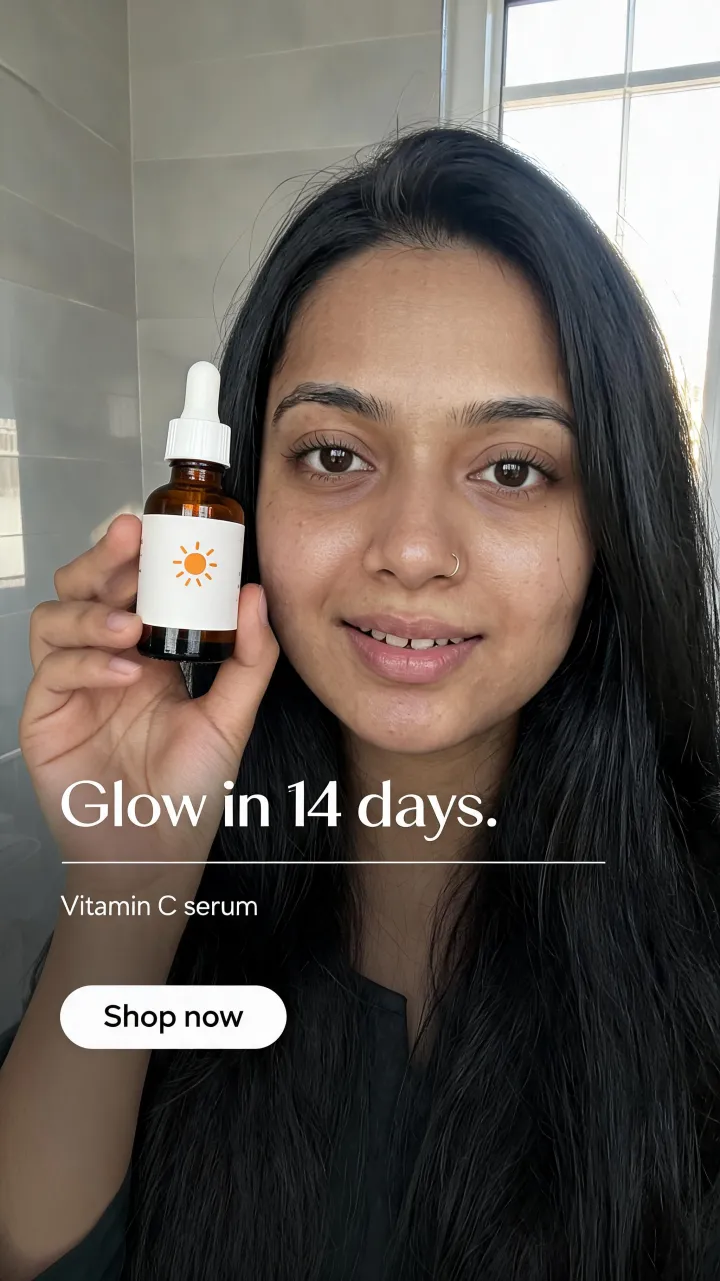
Serum ad 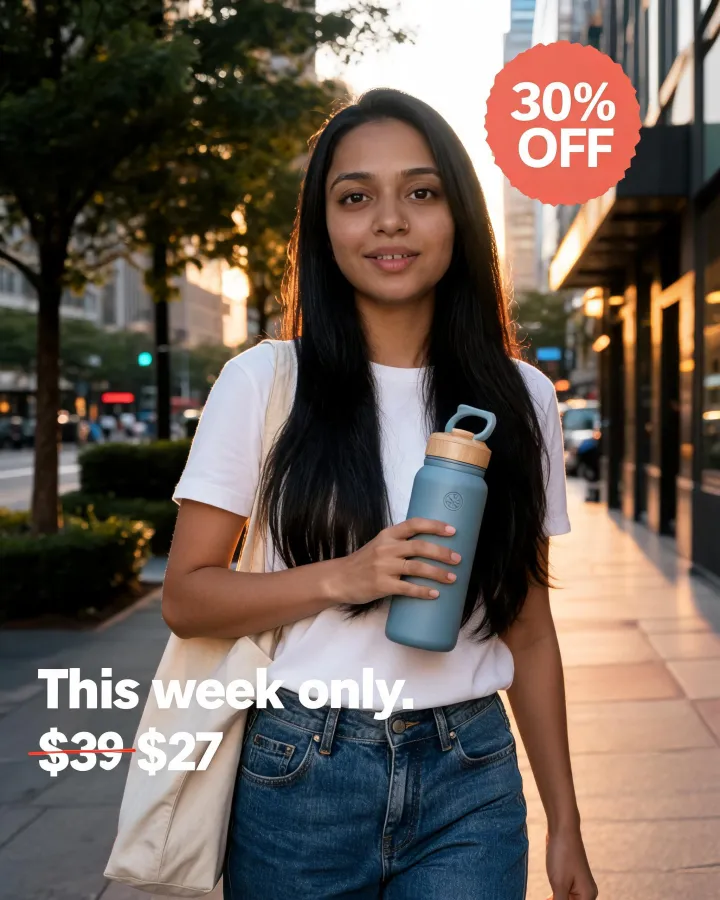
Offer ad 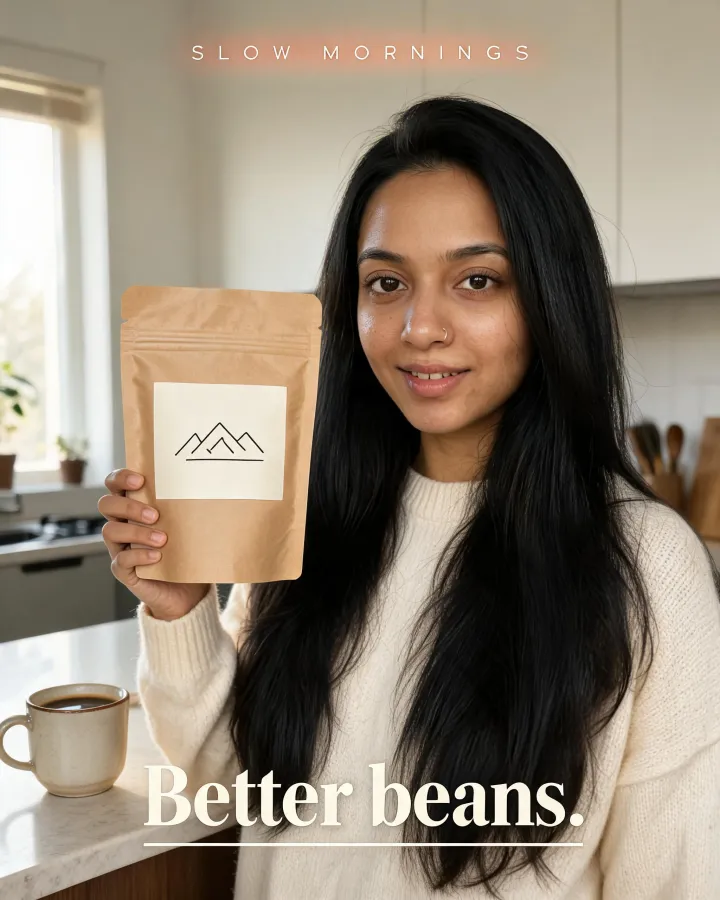
Editorial ad
See the full walk through on the product ads page.
Studio
Studio is the free form tool. Describe anything and pick every setting yourself.
- Choose the character, a product, the model, the shape, the resolution and the length.
- Write the prompt, including the layout and the words for an ad.
- Video with a product: Studio makes the product photo first, then animates it.
- Animate any finished vertical or wide photo into a video.
- Videos reach 30 seconds on the Wan 3.0 models. Most others make 4 to 15 seconds.
A talking video made in Studio
Models
About fifty image and video models from the main labs, such as Nano Banana, Seedream, FLUX, Qwen, Veo, Seedance, Kling, Wan and Hailuo. Each has a fixed credit price that you see before you run it. Use a fast, cheap model to test an idea, then a stronger one for the final.
If a lab is having trouble, its models show as paused for a short time instead of failing your run.
Library
Everything you make is saved in your library.
- Filter by all, images or videos.
- Download any result.
- Run it again with a small change.
- Delete what you do not need.
Credits, plans and refunds
You pay in credits and use them on any model. Failed generations are refunded to your balance automatically. Paid credits do not expire.
- Free to start: 2 credits, enough for one image, with no card.
- Monthly plans: Starter, Creator and Studio.
- One time packs for topping up.
- Prices in dollars or rupees, with GST invoices for buyers in India.
Questions
- Do I need design or video skills?
- No. Post types and ad styles are one click, and Studio lets you describe anything in plain words.
- Can I use my own face?
- Only with your own permission or the permission of the person shown. The terms do not allow showing a real person without consent.
- Can I change a result after it is made?
- Run it again with a small change to the scene, the outfit or the words. Each run shows its cost before you start.
- What stays the same between shots?
- The character's face, look and saved outfits. Everything else, including the scene, product, shape and model, is yours to change.
Make the first one.
2 free credits. No card.
See every image and video model and the pricing.